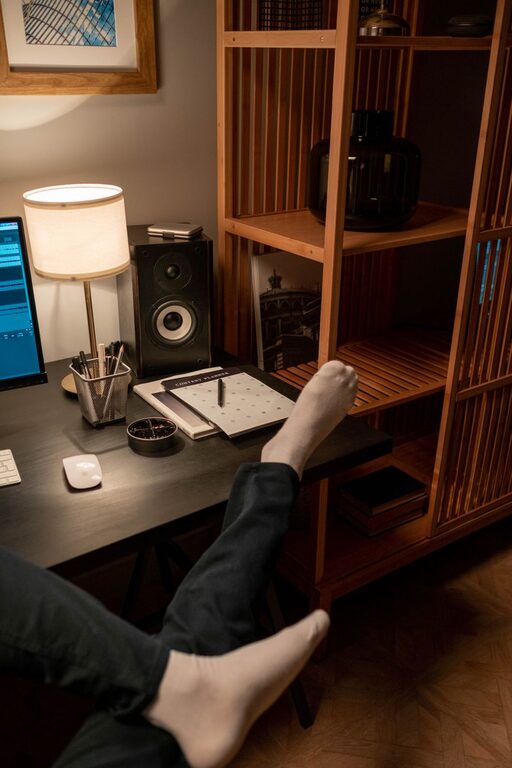
Creating a relaxing and efficient home workspace is key to staying productive and comfortable while working remotely. Whether you have a dedicated room or a small corner in your living space, the right setup can make a big difference in your daily work experience. This guide offers practical tips to help you design a workspace that nurtures focus without sacrificing relaxation.
Why a Relaxing Workspace Matters
A workspace that feels calm and pleasant can reduce stress and increase motivation. When your environment supports concentration and comfort, you’re more likely to complete tasks efficiently and with less fatigue. It’s not just about aesthetics; ergonomics and organization play vital roles in creating a space that works for you.
Choose the Right Location
Selecting an appropriate spot in your home is the first step toward a successful workspace.
– Quiet and Low-Traffic Area: Find a space away from distractions like television or heavy foot traffic.
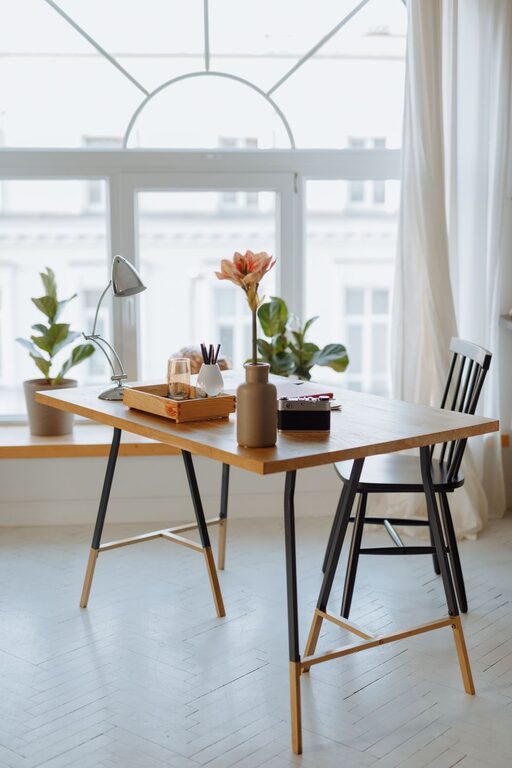
– Natural Light: If possible, position your desk near a window to benefit from daylight, which enhances mood and alertness.
– Privacy: Consider how much privacy you need. A separate room is ideal, but a well-partitioned corner can also work.
Invest in Comfortable Furniture
Comfort is essential for long hours of work. Choose furniture that supports good posture and minimizes discomfort.
– Ergonomic Chair: Look for one with adjustable height, lumbar support, and cushioning.
– Desk Height: Ensure your desk allows for comfortable arm positioning; your elbows should be at roughly a 90-degree angle.
– Footrest: If your feet don’t rest flat on the floor, a footrest can help reduce leg strain.
Organize for Efficiency and Calm
Clutter can be distracting and stressful. Keeping your workspace tidy promotes focus and helps you find what you need quickly.
– Use Storage Solutions: Shelves, drawers, or organizers keep supplies neat.
– Cable Management: Use clips or cord covers to prevent tangled wires.
– Minimal Essentials: Keep only necessary items on your desk to maintain a clean look.
Add Elements that Promote Relaxation
Incorporating relaxing features in your workspace can enhance well-being and reduce stress.
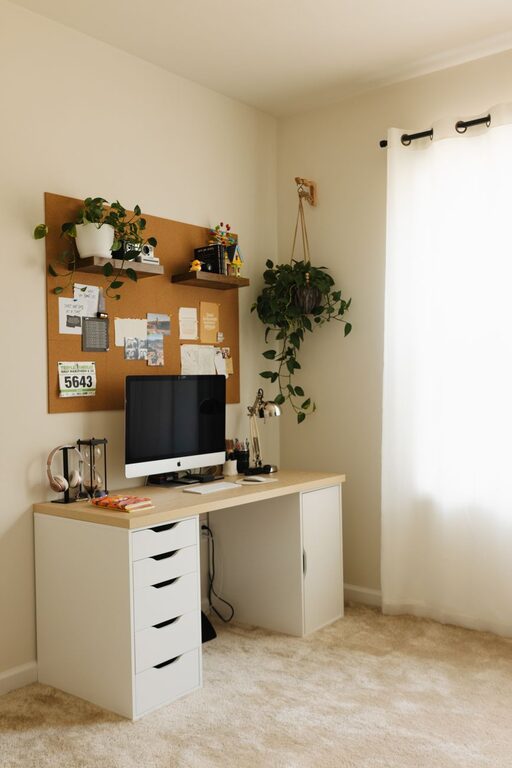
– Plants: Indoor plants add color and improve air quality.
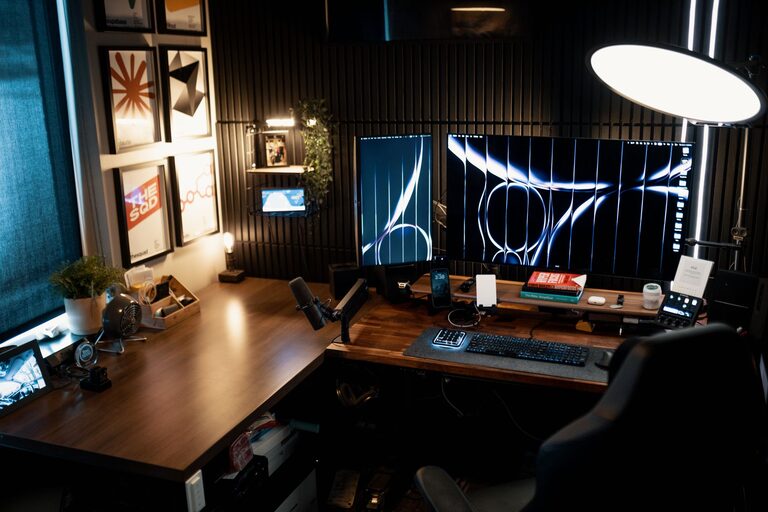
– Soft Lighting: Avoid harsh overhead lights by adding desk lamps or floor lamps with warm bulbs.
– Personal Touches: Photographs, artwork, or inspirational quotes can create a welcoming atmosphere.
Maintain Good Lighting
Lighting affects both comfort and productivity. Proper lighting reduces eye strain and keeps you alert.
– Balance Natural and Artificial Light: Use blinds or curtains to control glare, and supplement with adjustable lamps.
– Avoid Screen Glare: Position monitors perpendicular to windows to minimize reflections.
Manage Noise Levels
Noise can quickly disrupt concentration, so controlling sound is important in your home workspace.
– Noise-Cancelling Headphones: Useful for blocking distractions.
– Soft Materials: Rugs, curtains, and upholstered furniture can absorb sound.
– White Noise Machines: These can help mask background noise and create a consistent sound environment.
Take Breaks and Stretch
A relaxing workspace includes space and reminders for regular breaks to prevent burnout.
– Set a Timer: Use apps or alarms to remind yourself to stand up and move every hour.
– Create a Stretch Zone: If space allows, have a small area for simple stretches or relaxation exercises.
Personalize Your Workspace
Your workspace should feel inviting and tailored to your preferences, which can boost morale and productivity.
– Choose Calming Colors: Soft blues, greens, or neutrals tend to create a soothing environment.
– Incorporate Aromatherapy: Essential oil diffusers or scented candles (used safely) can enhance relaxation.
– Comfort Items: Blankets or cushions can make your workspace more inviting.
Keep Technology Updated and Functional
Reliable technology reduces frustration and helps maintain workflow.
– Ergonomic Accessories: Consider keyboards and mice designed for comfort.
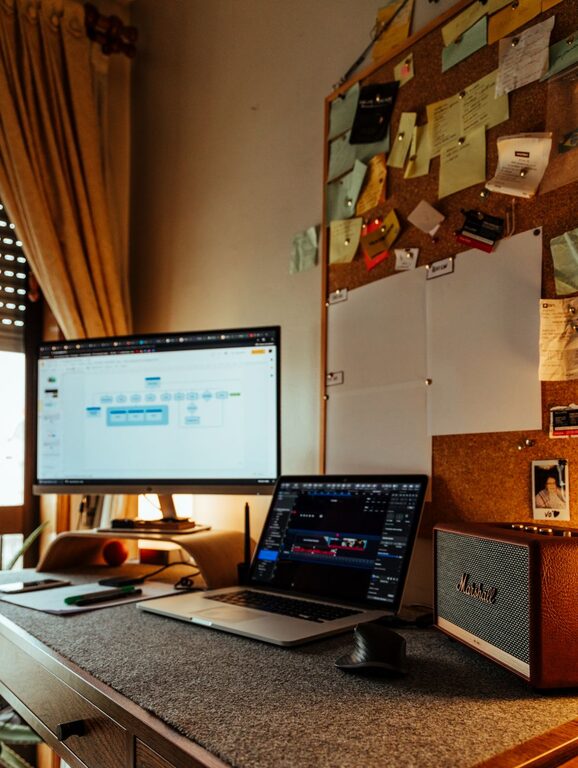
– Monitor Setup: Use a stand or adjustable arm to position your monitor at eye level.
– Desk Organization: Keep chargers and gadgets organized to avoid interruptions.
Summary
Designing a relaxing home workspace is about balancing comfort, organization, and personal touches. By carefully choosing your location, investing in ergonomic furniture, managing lighting and noise, and keeping the space tidy and inviting, you create an environment that supports both productivity and well-being. Remember, small changes can make a big difference in how you feel and perform while working from home.
Try implementing these tips gradually and adjust your space until it feels just right for you. A calm and comfortable workspace isn’t just about work—it’s about creating a healthy space where you can thrive.